Navigate Local Government Announcements: A Resident’s How-To

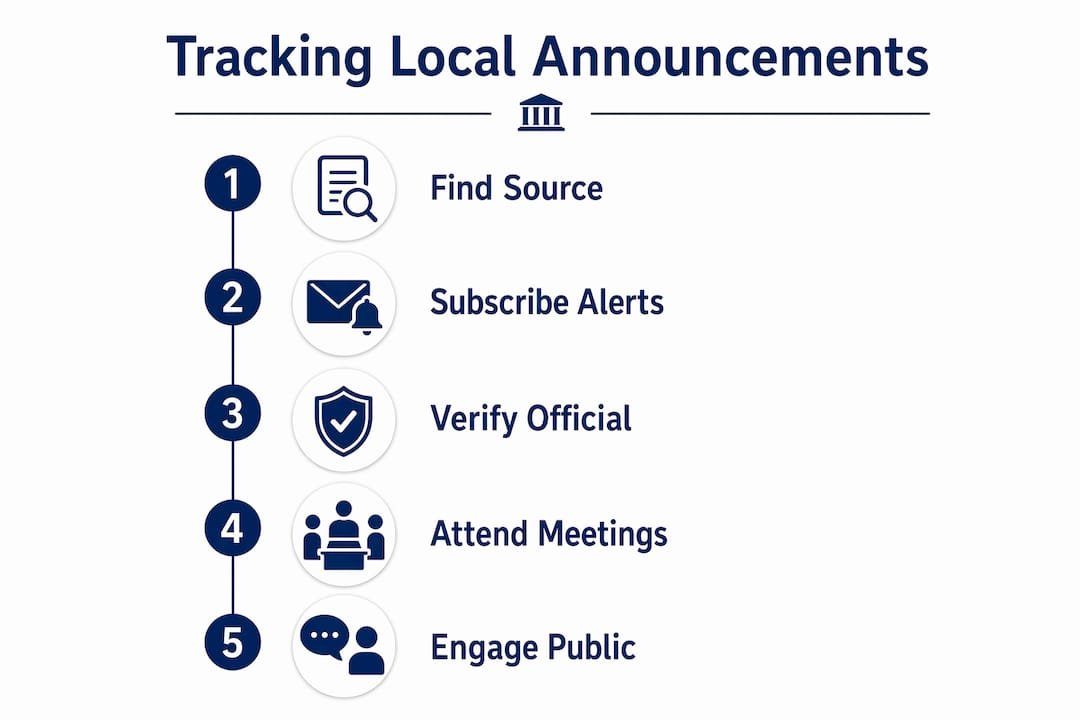
Official local government announcements are posted on municipal and county websites, state portals, and directories such as USAGov. To stay informed, take three steps in order:
- Find the official posting on your city or county’s website, or through a state portal.
- Verify the announcement by confirming the source domain and cross-referencing with USAGov or your state’s portal.
- Act by subscribing to alerts, submitting a comment, or attending the relevant public meeting.
Key resources to bookmark now:
- USAGov local governments directory — select your state for direct links to city and county sites
- Indiana Budget Notices portal — an example of a state-level budget and levy search tool
- Thecentralgeorgian — local newsroom coverage and reporter contacts for Central Georgia residents
Table of Contents
- Where do official municipal announcements actually appear?
- How do you subscribe to get alerts when new announcements post?
- How can you confirm an announcement is official?
- What types of announcements should you watch, and when?
- How do you participate once you find an announcement?
- What should you do when an emergency announcement appears?
- Ready-to-use templates for responding to announcements
- What if you can’t find the announcement or the website doesn’t work?
- Key Takeaways
- Why tracking announcements is worth the effort
- Thecentralgeorgian keeps you ahead of local decisions
- Trusted sources to bookmark
Where do official municipal announcements actually appear?
Most city and county websites follow a predictable structure. Look for sections labeled “Your Government,” “Planning,” “Agendas & Minutes,” or a visible “Meetings” or “Calendar” button. Those pages hold the bulk of official announcements, from zoning hearings to ordinance introductions.
When a city or county site is hard to find through a search engine, the USAGov local governments directory lets you select your state and go directly to verified government pages. For budget and tax notices specifically, some states run dedicated portals. Indiana’s Budget Notices portal allows residents to search by address or use an interactive map to locate levy estimates and public hearing schedules for any taxing unit in the county.
Practical search steps:
- Go to your city or county’s official
.govor.usdomain. - Look for “Agendas,” “Meetings,” or “Public Notices” in the main navigation.
- If the site is unclear, use the USAGov directory to confirm the correct URL.
- For budget and tax items, check your state’s dedicated budget portal if one exists.
Pro Tip: Meeting packets are typically posted the Thursday before a scheduled meeting. Checking those packets gives you the exact language and attachments that will be voted on, before the vote happens.
How do you subscribe to get alerts when new announcements post?

Waiting for announcements to surface on social media is unreliable. Setting up direct alerts is faster and more accurate.
Step-by-step alert setup:
- Visit your city or county website and look for an “Email Alerts,” “Notify Me,” or “Subscribe” option. Many municipalities use GovDelivery (now part of Granicus) for this service.
- Select the topics you want: agendas, public hearings, permits, or emergency notices.
- If the site offers an iCal link for its meeting calendar, add it to Google Calendar (File → Other calendars → From URL) or Apple Calendar (File → New Calendar Subscription).
- For sites with RSS feeds, use an RSS-to-email service such as Blogtrottr or FeedMyInbox to receive updates in your inbox.
- Follow the official social media accounts of your city, county, and local emergency management office — but always confirm posts by checking the linked
.govpage.
Pro Tip: Local newsroom newsletters, including Thecentralgeorgian’s coverage of Central Georgia, serve as a reliable backup channel. Reporters monitor agendas and often flag significant items before they reach a public vote.
State-level resources also offer signup options. New York’s Division of Local Government Services, for example, provides email updates on local government operations and training resources that community organizations can use.
How can you confirm an announcement is official?
Misinformation about government decisions circulates frequently on social media. A short verification process protects you from acting on false or outdated information.
Verification checklist:
- Confirm the source domain ends in
.govor.us(e.g.,cityname.govorcountyname.us) - Cross-reference the announcement with the USAGov directory to confirm the correct official site
- Locate the posting on the clerk’s page or the relevant department page, not just a social media share
- Check for a publication timestamp and, where applicable, a meeting packet attachment
Red flags to watch for:
- Social posts that link to screenshots rather than official documents
- Announcements with no agenda item number or clerk contact
- Unusual email domains (e.g.,
cityname-alerts.cominstead ofcityname.gov) - Rapid wording changes with no amendment notice or version history
When in doubt, contact the city or county clerk directly. A brief message works: “I am trying to confirm the status of [announcement name] posted on [date]. Could you verify whether this is the current official version and provide the relevant agenda item number?” The clerk’s contact information is typically listed on the official government site or through the USAGov directory.
Pro Tip: Always verify before sharing. A screenshot of a zoning change or tax notice shared without a source link is not confirmation of anything.
What types of announcements should you watch, and when?
| Announcement Type | Common Posting Cadence | Typical Resident Action Window |
|---|---|---|
| Public hearing notice | 10–30 days before the hearing | Submit written comment or plan to attend |
| Ordinance introduction | Posted with meeting agenda (often Thursday prior) | Comment before second reading or adoption |
| Budget and levy notice | Annual cycle, varies by state | Review and attend public hearing |
| School board agenda | Weekly or bi-weekly before meetings | Attend or submit comment to the board |
| Ballot measure filing | Per state election calendar | Monitor for public comment periods |
| Emergency alert | Immediate, no advance notice | Follow official instructions immediately |
Public hearings typically require notice 10–30 days in advance under state open meeting laws. Ordinances usually go through two readings before adoption, giving residents at least one comment window. Budget and levy notices follow an annual cycle; some states post these on dedicated portals where residents can search by address for their specific taxing unit.
A 2026 case in Chula Vista illustrated how quickly ballot measures can move. A union-backed charter initiative advanced rapidly through the public process before residents and officials used formal channels to slow it. Monitoring agendas early is the most effective way to catch proposals before they reach a final vote.
How do you participate once you find an announcement?
Residents have several formal options for influencing outcomes, from attending in person to filing written comments or records requests.
Participation options:
- Attend the public meeting in person and sign up to speak during public comment
- Submit written comments to the clerk before the deadline listed on the agenda
- Send a formal letter or email to your council member referencing the agenda item
- File a Freedom of Information Act (FOIA) request for related documents
- Submit a formal ethics complaint if you believe a procedural violation occurred
Steps for written public comment:
- Locate the agenda item number on the official meeting agenda.
- Check the submission deadline — typically 24–48 hours before the meeting.
- Address your comment to the city or county clerk by title.
- Include the agenda item number in the subject line.
- Keep the comment under one page; state your position clearly in the first sentence.
Pro Tip: Act when a proposal is introduced, not when it is about to pass. Monitoring meeting packets gives you the earliest possible view of new items. Note that some jurisdictions have reduced remote participation options since the COVID-19 period — confirm whether hybrid or written comment options are available before the meeting date.
Community organizations and local nonprofits sometimes partner with state agencies to help residents understand complex notices, including SNAP and Medicaid changes. The Access Community Action Agency launched a 2026 outreach program for exactly this purpose.
What should you do when an emergency announcement appears?
Immediate steps:
- Confirm the message on your county’s official emergency management website or a
.govdomain. - Follow evacuation or shelter-in-place instructions as stated by official sources.
- Sign up for reverse-911 or telephone alert systems through your county emergency management office.
- Check local media, including Thecentralgeorgian, for verified context and updates.
Trusted channels to check first:
- County emergency management website
- FEMA alerts at ready.gov
- State emergency management portal
- Official social media accounts of local emergency services (confirm posts link to
.govpages) - USAGov emergency guidance
Treat urgent messages from verified .gov domains and official emergency accounts as authoritative. Confirm the message before sharing it further.
Ready-to-use templates for responding to announcements
Email to an elected official
Subject: [Agenda Item #] — [Brief Description] — [Your Name], Resident
Dear [Council Member’s Name],
I am a resident of [City/County] writing regarding agenda item [#] scheduled for [meeting date]. I [support/oppose] this proposal because [one-sentence reason]. I respectfully request [specific action]. Thank you for your consideration.
[Your name, address, contact information]
Written public comment for clerk submission
To: [City/County Clerk Name and Title]
Re: Public Comment — Agenda Item [#], [Meeting Date]I am submitting this written comment in advance of the [date] meeting. Regarding agenda item [#], I [state position clearly]. [One to three sentences of supporting detail.] I ask that this comment be entered into the official record.
60-second spoken public comment
Subject line guidance: Always include the agenda item number, the meeting date, and your name. Example: “Public Comment — Item 4B, July 15 Meeting — Jane Smith.” Clerks file comments by item number; a clear subject line ensures your comment reaches the correct record.
What if you can’t find the announcement or the website doesn’t work?
Official government websites vary widely in quality. Outdated calendars, broken links, and missing agenda packets are common barriers.
Common problems and alternatives:
- Outdated or missing agenda: Contact the city or county clerk directly by phone or email. Clerk contact information is listed on the official site or through the USAGov directory.
- State portal unavailable: Use your state’s Division of Local Government Services page (example: New York’s DOS page) or the county emergency management page.
- No livestream or remote access: Confirm in advance whether hybrid participation is available. If not, submit written comments before the deadline.
- Complex fiscal or legal notices: Community action agencies and local newsrooms can help interpret them.
Pro Tip: Reporters at Thecentralgeorgian and similar local newsrooms regularly monitor agendas and can request records or clarify complex announcements. If you encounter an announcement you cannot verify or interpret, contacting the newsroom is a practical option.
- Call or email the city or county clerk.
- Reference the specific announcement by date and title.
- Ask for the official document number and where it is posted online.
- If the clerk is unresponsive, contact your state’s Division of Local Government Services.
Key Takeaways
Residents who know where to look and how to verify can track city council decisions and respond to local policy announcements before deadlines pass.
| Point | Details |
|---|---|
| Start with official domains | Check .gov or .us sites first; use the USAGov directory to confirm the correct address. |
| Subscribe for early notice | Join municipal email lists or GovDelivery alerts; add iCal meeting feeds to your calendar. |
| Check packets on Thursdays | Meeting packets are typically posted the Thursday before a meeting — the earliest view of what will be voted on. |
| Act at introduction, not adoption | Public comment windows open when a proposal is introduced; waiting for a final vote is often too late. |
| Thecentralgeorgian as a backup | Thecentralgeorgian monitors agendas and covers Central Georgia announcements — contact the newsroom when an official posting is unclear or missing. |
Why tracking announcements is worth the effort
Most residents only engage with local government after a decision has already been made. By then, the public comment window has closed, the ordinance has passed its second reading, and the budget has been adopted. The formal record shows no resident input.
The residents who actually shape outcomes are the ones reading meeting packets the Thursday before a vote. They are the ones who submit written comments before the 48-hour deadline, not the ones who post on social media after the fact. Formal channels, used at the right moment, carry weight that informal complaints do not.
Local newsrooms play a specific role in this process. Thecentralgeorgian monitors agendas, attends public meetings, and follows up with officials when announcements are unclear or incomplete. That reporting creates a public record that residents can use to verify what was said, what was decided, and what comes next. If you spot an agenda item that concerns you and want to know whether it warrants coverage, flagging it to a reporter is a legitimate and often effective step.
The gap between a well-informed resident and an uninformed one is usually not access to information. It is knowing where to look and when to act.
Thecentralgeorgian keeps you ahead of local decisions
Thecentralgeorgian covers Central Georgia government meetings, public hearings, and official announcements so residents have verified, plain-language reporting before decisions are finalized. Rather than sorting through municipal calendars and dense agenda packets on your own, you can follow Thecentralgeorgian’s coverage to stay current on the items that affect your neighborhood.
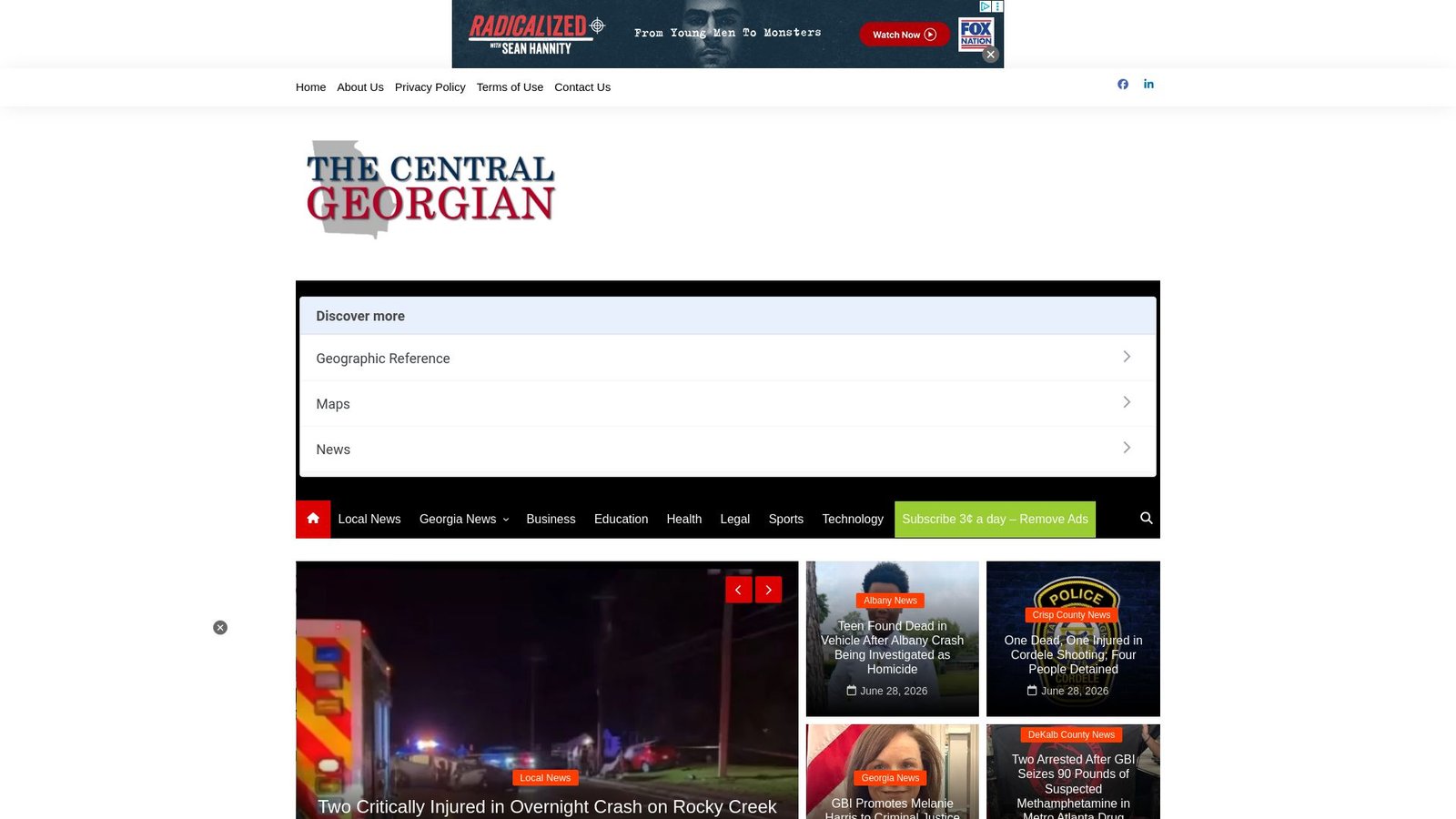
The newsroom tracks agendas, attends public meetings, and contacts officials directly when announcements are unclear. For residents who want deeper context on how the reporting process works, the longform journalism guide explains how Thecentralgeorgian follows public processes over time. For breaking local news and emergency alerts in Central Georgia, visit thecentralgeorgian.com to sign up for updates or contact the newsroom directly with an announcement you cannot verify.
Trusted sources to bookmark
| Source | What It Covers | Why Use It |
|---|---|---|
| USAGov Local Governments | Contact info and links for all U.S. city and county governments | Bypasses search-engine noise; confirms official site addresses |
| Indiana Budget Notices | Budget notices, levy estimates, public hearing schedules (Indiana) | Address-based search; example of a state budget portal model |
| NY Division of Local Government Services | Training, technical assistance, and updates for local governments | State-level resource for navigating local government operations |
| FEMA / ready.gov | Federal emergency guidance and alerts | Authoritative source for disaster and emergency response |
| County emergency management website | Local evacuation orders, shelter notices, reverse-911 signup | First stop for urgent public safety announcements |
| Thecentralgeorgian | Central Georgia local news, meeting coverage, reporter contacts | Verified local reporting and direct newsroom access |
- Bookmark your city or county’s official
.govpage and check it before acting on any announcement. - Use the USAGov directory when you are unsure whether a site is the correct official source.
- For budget and tax notices, check whether your state operates a dedicated portal similar to Indiana’s.
- For emergencies, go to your county emergency management page first, then FEMA, then local media.
- Contact Thecentralgeorgian when a local announcement is unclear, missing, or requires follow-up reporting.
This article provides general informational guidance on locating and responding to local government announcements. It is not legal advice. Confirm specific deadlines, legal requirements, and procedures with your local government clerk or a qualified professional.